

Getting Started
To access the developer portal, log in with your FNLB account. If you don’t have one, you can sign up at fnlb.net.Key Features
Application Management
Create and configure multiple applications to interact with the FNLB API. Each application can have its own:- Client ID & Client Secret: Used for OAuth2 authentication.
- Redirect URIs: Authorized endpoints for receiving authorization codes.
- Scopes: Define the level of access your application has to user data.
Create Application
- Navigate to the Developer Portal.
- Click the “Create Application” button.
- Enter a descriptive name for your application.
- Once created, you will be redirected to the application settings.
- Copy your Client ID and Client Secret. Keep the secret safe!
- Configure your Redirect URIs in the OAuth2 tab to authorize specific endpoints.
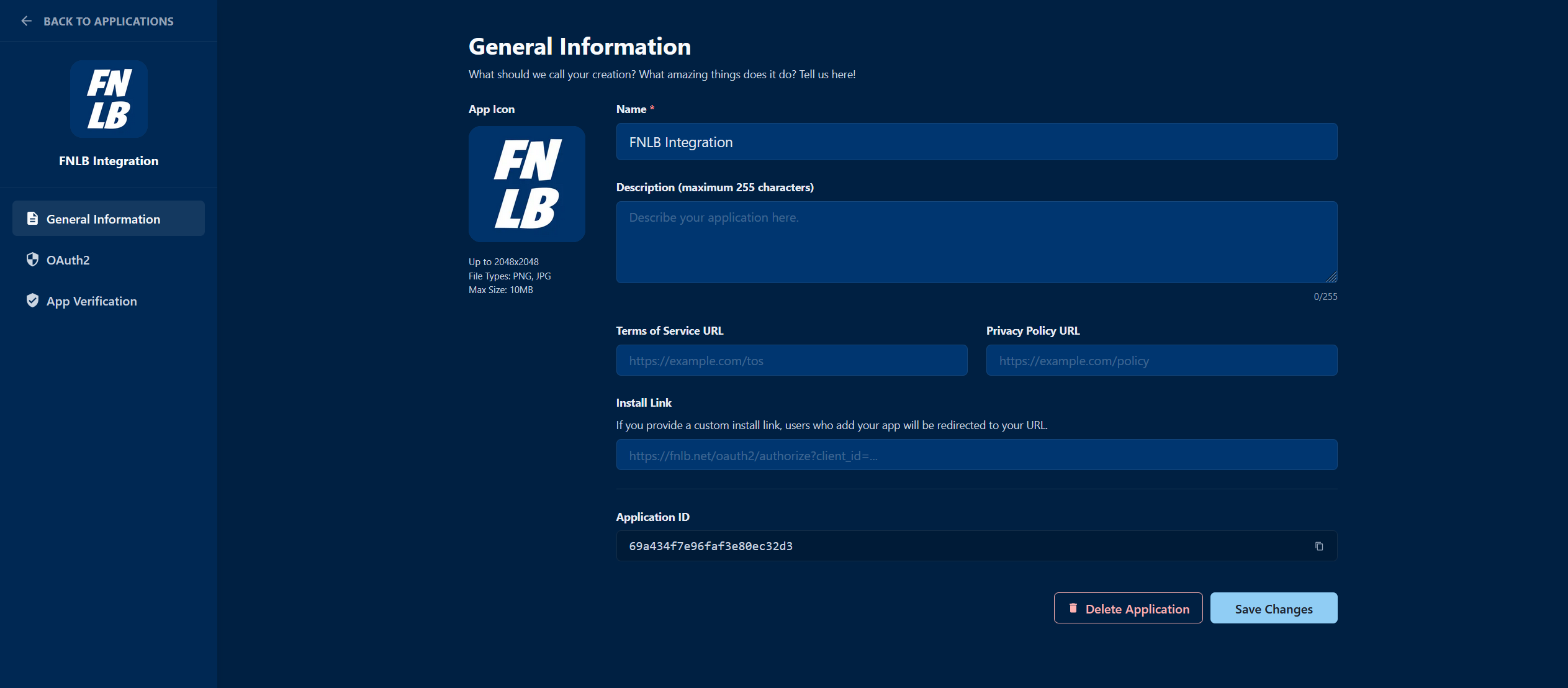
Creating a new application in the Developer Portal
Security Best Practices
- Protect your Client Secret: Never share it or commit it to public repositories. Use environment variables to store it securely.
- Use HTTPS: Always use secure HTTPS endpoints for your redirect URIs to prevent interception.
- Principle of Least Privilege: Only request the specific scopes required for your application to function.
- Rotate Secrets: If you suspect your Client Secret has been compromised, reset it immediately in the Developer Portal.
Next Steps
OAuth2 Authentication
Learn how to implement OAuth2 for your applications.